
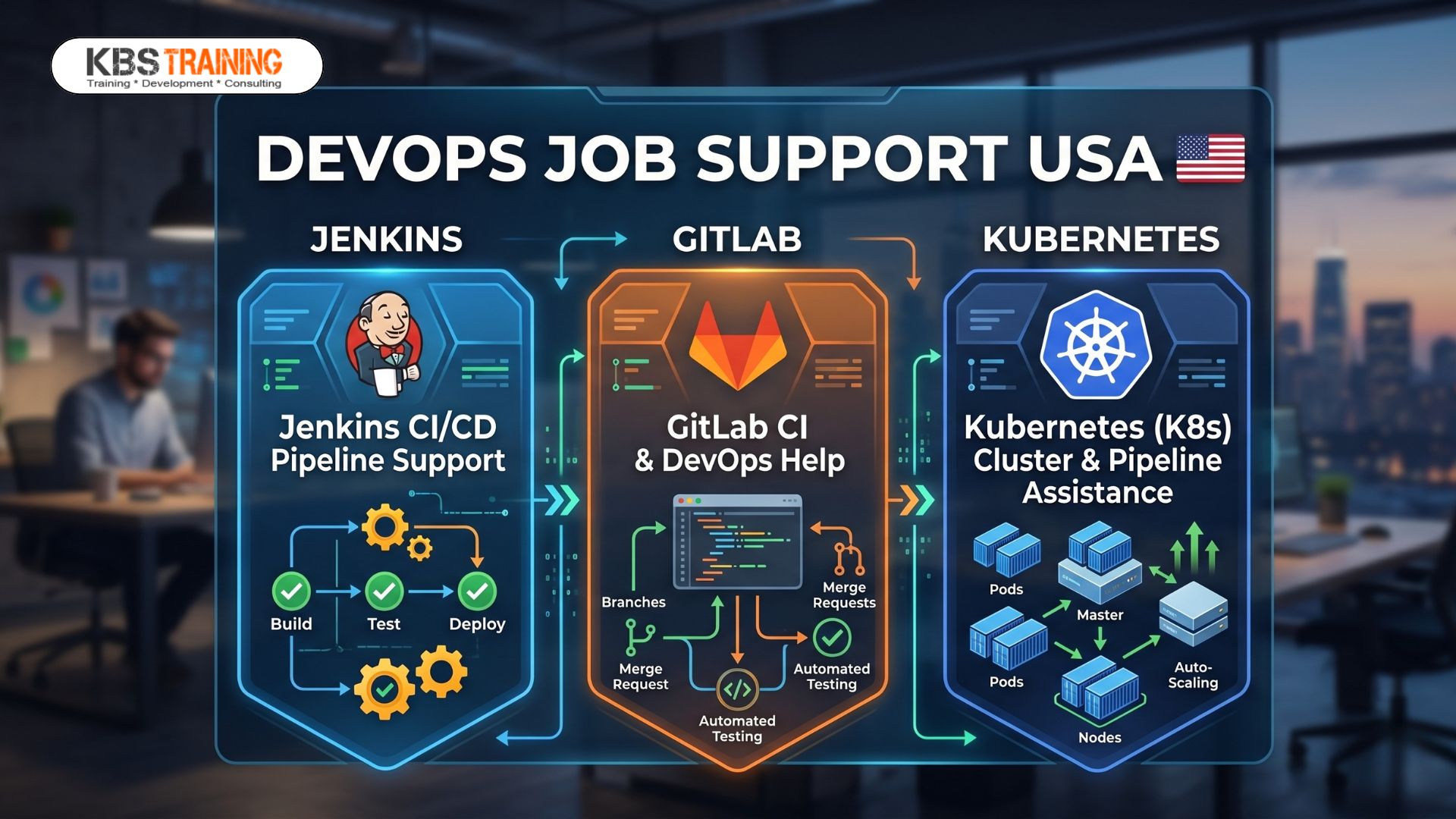
In the fast-paced software landscape, a broken CI/CD pipeline stops production in its tracks. With more than 90% of organizations facing critical cloud and DevOps skills shortages, engineering teams are under massive pressure to maintain zero-downtime deployments.
When a sprint release fails at midnight due to an unoptimized Jenkinsfile, a misconfigured .gitlab-ci.yml, or a silent Kubernetes deployment crash, scrolling through 100,000 lines of error logs wastes valuable time.
At KBS Training, we leverage over 15+ years of software industry expertise to provide 1-on-1, live-session production troubleshooting support via Zoom, Microsoft Teams, and Skype. We help working professionals in the USA, UK, Canada, and Europe resolve urgent pipeline failures, clean up container deployment bottlenecks, and meet strict project deadlines with confidence.
3 Critical Pipeline Failures Tripping Up DevOps Engineers Today

Modern DevOps architectures do not just connect tools; they integrate entire ecosystems. Here are three common failure points where on-demand technical assistance makes the difference between an immediate recovery and a missed release window.
1. Jenkins & GitLab Webhook & Authentication Silences
A developer pushes code, but the target build never triggers. Frequently, the issue stems from missing network connectivity between platforms, expired personal access tokens (PATs), or improperly configured firewalls blocking incoming webhook payloads.
2. Broken Container Immutability & Registry Authentication
Many pipeline failures occur when pulling base images or pushing final builds to registries like Docker Hub, AWS ECR, or Azure CR. Using generic mutable tags like :latest creates configuration drift, while misconfigured environment secrets break build processes midway through production runs.
3. Kubernetes Deployment Disconnects (The CI-to-Cluster Gap)
The classic “it passed in the CI runner but failed in the cluster” issue. When a pipeline pushes configurations to a Kubernetes cluster, the code can encounter hidden runtime obstacles:
-
Resource Constraint Terminations (OOMKilled): Pods crashing immediately because they exceed strict namespace memory limits.
-
Network & Security Barriers: Strict cluster Role-Based Access Control (RBAC) rules or network isolation policies blocking essential database connectivity.
Common Pipeline Matrix: Tools & Failure Signs
The following reference table outlines standard signs of pipeline failures across major orchestration tools.
| Tool | Common Error / Root Cause | Impact | Action Required |
| Jenkins | CredentialsNotFoundException / Groovy script sandbox blocks |
Halts automation steps before code compiles | Whitelist scripts or fix plugin secret stores |
| GitLab CI | Job failed: exit code 137 (Runner out of memory) |
Drops long-running integration testing workflows | Optimize Docker runner resource allocations |
| Kubernetes | CrashLoopBackOff / ImagePullBackOff |
Pods fail to launch or download deployment artifacts | Review cluster events via kubectl describe |
When pipeline builds fail, standard documentation cannot diagnose environmental bugs or proprietary configuration code. Our specialized DevOps production support provides clear, rapid solutions:
DevOps Best Practice: Never store plaintext access keys inside your repository code. Always leverage secure environment variable injection options such as Jenkins Credentials, GitLab CI/CD Masked Variables, or cloud-native key management services to protect production environments.
Overcome Tech Hurdles with Expert Guidance
Don’t let a failing pipeline derail your work performance or delay critical product launches. Get immediate access to certified real-time IT trainers who can help you optimize automation architecture and clear production roadblocks.
Explore our dedicated KBS Training Job Support Services to find tailormade technical assistance, or discover comprehensive learning paths directly at our homepage, KBS Training.
💬 WhatsApp Chat: https://wa.link/u7xvhr 📋 Book a FREE Consultation Today: https://tally.so/r/nWYPWQ Call us for more info :+91 9848677004 Email: info@kbstraining.com
This comprehensive video breaks down fundamental pipeline concepts, container orchestration, and real-world system behaviors to help professionals master automation workflows.
